 K3Nova
Start with one workflow
A small project room, incident room or research room reveals more than a broad product tour.
Kimi K3 Method
Buzz AI agent platform questions start with a simple shift: agents are not hidden tools behind a button, they can appear as members inside shared team rooms.
Use this page to design a cautious agent-platform trial with identity, permissions, auditability, data handling and human review in the same scorecard.
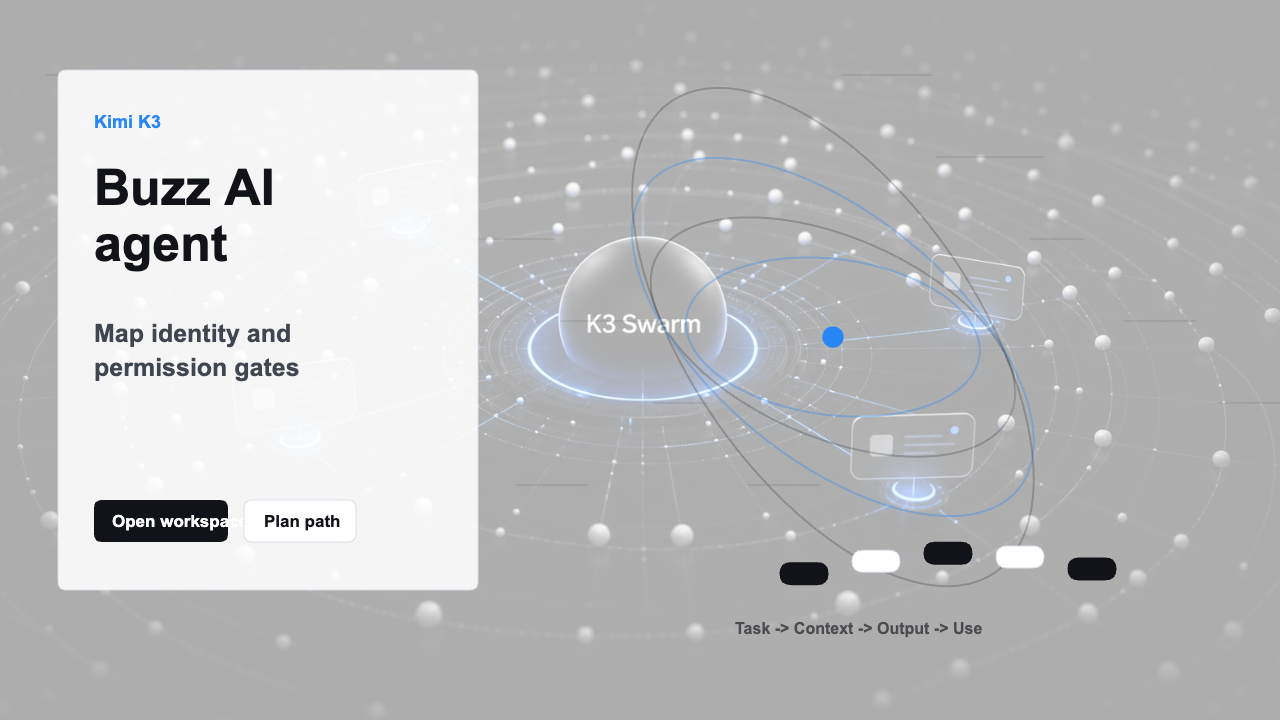
Workflow preview
Use the preview as a quick orientation, then continue into the direct answer, checklist and related pages for the concrete steps.
Buzz AI agent platform questions start with a simple shift: agents are not hidden tools behind a button, they can appear as members inside shared team rooms. Use this page to design a cautious agent-platform trial with identity, permissions, auditability, data handling and human review in the same scorecard.
Buzz AI agent platform evaluation is handled on this single page so visitors can get a focused answer, inspect the practical limits, and continue to the right Kimi K3 workflow without bouncing between duplicate pages.
| Area | Practical answer |
|---|---|
| Platform lens | agents as visible room members with their own identity |
| Main risk | permission sprawl and unclear accountability |
| Best trial | limited agent room with signed review events |
| Next page | Buzz team chat or Slack alternative comparison |
Use this worksheet before inviting a wider team. The goal is to turn a new collaboration idea into a measured trial with ownership, data boundaries, review rules and a practical outcome.
A small project room, incident room or research room reveals more than a broad product tour.
Record relay choice, media handling, sensitive-data limits and who can invite agents before the pilot starts.
Leave the current source of truth in place until Buzz proves a clearer decision trail.
Generate the comparison rubric, adoption note and final recommendation from the same evidence.
| Area | Trial action | Pass condition |
|---|---|---|
| Agent identity | Give every agent a name, owner and purpose | People can tell which actor posted each message or action |
| Permissions | Limit agent room access before a larger rollout | The agent can read only what the test workflow requires |
| Review gate | Define where human approval is required | Sensitive work cannot move forward on an agent message alone |
| Platform fit | Test the actual coding, research or support agent | The platform supports the agent pattern the team wants to keep |
Use this guide with the live Kimi K3 workspace and pricing page. Start with a real task, prepare the input, inspect the result, and decide whether the plan and workflow match the work.
Kimi K3 keeps the workflow focused on practical tasks: prepare the input, run a realistic prompt, inspect the result, and choose the next step.
For a better trial, bring real constraints. A good prompt includes the source material, the output format, the role of the reader, and one follow-up question. This lets the workspace prove whether it can preserve context and produce a result that is ready to use.
Use this checklist before you treat the page as a final answer. First, decide whether the visitor is comparing options, preparing a local test, estimating cost, checking a limitation, or choosing the next step inside the Kimi K3 workspace. Then match the page advice to one concrete input and one concrete output. That keeps the workflow practical instead of turning it into a general product description.
A useful reading path is to start with Agent identity and then compare it with Permission design. The first section frames the immediate question, while the second section usually reveals the operational constraint that affects cost, setup, reliability or evaluation. Read them together before you ask Kimi K3 for a draft, review, plan or comparison.
Use a simple acceptance test for this topic: can you explain the platform lens, main risk, best trial, next page without opening another tab, and can you choose the next page confidently? If the answer is no, stay on this page and tighten the input example. If the answer is yes, move into the workspace with a short prompt, one source example and a clear output format.
A Buzz AI agent platform trial needs an identity and permission map before any broad rollout. Name each agent, define the room it can enter, list what it can read, decide whether it can act, and require human review for sensitive outputs. Agent visibility is valuable only when accountability remains legible.
Helpful signals to check while reading: agent key, agent identity, permission tier, model-agnostic agent, workflow runner, review gate, delegated action, room membership, autonomous assistant, tool boundary, agent owner, audit trail, approval rule, code agent, research agent, policy guard, escalation path, capability scope, sandbox rule, signed workflow. These signals make the page easier to apply to a real Kimi K3 decision instead of a generic AI assistant comparison.
For follow-up reading, continue to Buzz Team Chat, Buzz Collaboration Tool, Slack Alternative Comparison, Kimi K3 Benchmarks. Those pages cover the adjacent cost, deployment, context, review, comparison or workflow questions that usually appear after this one. If the answer here changes your setup decision, review pricing and runtime notes before sending production work through protected model calls.
The safest way to use this page is to keep the question narrow, bring a real example, and write down the constraint that matters most: time, budget, context length, privacy, deployment effort, answer quality or handoff format. Kimi K3 pages are designed to be read as a connected decision path, so every page should help you choose the next action rather than simply repeat the brand name. Revisit this checklist whenever your input, team role or deployment plan changes, especially before a public launch or paid workflow review.
The platform angle is that agents can participate inside shared rooms with identity, membership and a workflow trail rather than acting only as hidden helper tools.
No. Start with a restricted room and a narrow task, then expand only after permissions, review and retention are understood.
Judge whether the agent trail improves review speed, decision clarity and accountability without exposing more context than the task requires.