 K3Nova
Kimi Code safety
Kimi Code docs explain where data, credentials, plugins, and sessions live, which helps you clean up safely.
Account safety
Use official Kimi AI links safely, understand K3Nova's independent boundary, and avoid entering credentials on unknown pages.
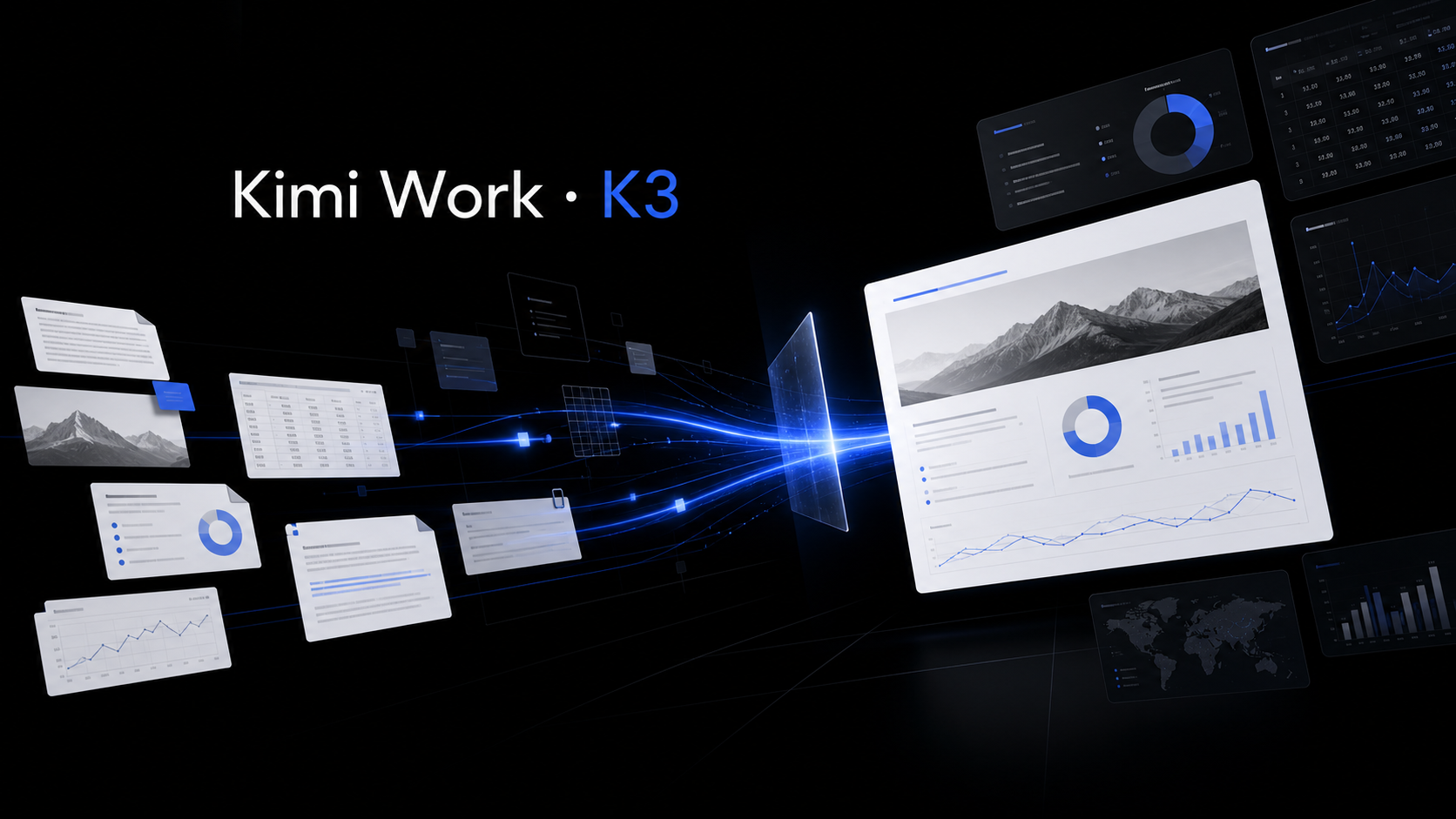
When you want Kimi AI itself, begin at the official Kimi website or official help center links. When you want Kimi K3 guides, K3Nova pages can help you understand workflows, model choices, local running, hardware, and pricing boundaries.
Keep login and payment actions on official domains you can verify. Use guide pages for learning and setup decisions, not for entering official account credentials.
Use this section to keep the next step practical before you touch accounts, files, infrastructure, or hardware.
| Check | Look for | Why it matters |
|---|---|---|
| Read the official source | Start with the model card, help center, docs, or official product page before trusting summaries. | Model names, limits, and prices change. |
| Name the path | Decide whether you need a hosted app, API call, local client, or full self-managed deployment. | Different paths have different costs and account boundaries. |
| Check the boundary | Keep login, payment, API keys, private files, and account settings on the official surface. | A public guide should help you choose, not handle sensitive actions. |
| Keep evidence | Save the source link, date, version, and practical next step that shaped your decision. | This makes later review easier for a team. |
Kimi Code docs explain where data, credentials, plugins, and sessions live, which helps you clean up safely.
The API docs explain model choices and current unsupported capabilities, which helps avoid wiring a product to the wrong endpoint.
Kimi Claw docs explain cloud deploy and OpenClaw linkage, including plan and model-configuration details.
| Before you act | Why it matters | Better habit |
|---|---|---|
| Check domain and HTTPS | Lookalike pages can capture credentials | Navigate from a trusted bookmark |
| Read current docs | Model IDs and plan rules change | Use official model selection pages |
| Keep tokens out of chat | API keys and OAuth files are sensitive | Use documented config paths |
| Separate K3Nova from official Kimi | The surfaces have different responsibilities | Use each for the right job |
Kimi web, Kimi Work, Kimi Code, Kimi API, and Kimi Claw are different surfaces with different setup paths.
Read model and credential documentation before putting provider keys into any tool.
If you are not sure a page is official, do not enter credentials, cards, tokens, or private project data.
Open K3Nova when you want independent walkthroughs for context, local workspace behavior, benchmarks, and hardware planning.
Start from kimi.com and the official Kimi help center.
No. Use it as an independent Kimi-style workspace and guide surface.
Confirm the tool, docs, model ID, and credential storage path.