 K3Nova
Test Kimi K3 through Kimi Code
This proves local CLI access to a configured hosted model, not local weights.
kimi -m k3-256k -p "Reply only: KIMI_K3_CLIENT_READY"Local run answer
A direct answer on running Kimi K3 locally: browser workspace, hosted endpoint, rented cluster, or full self-hosting.
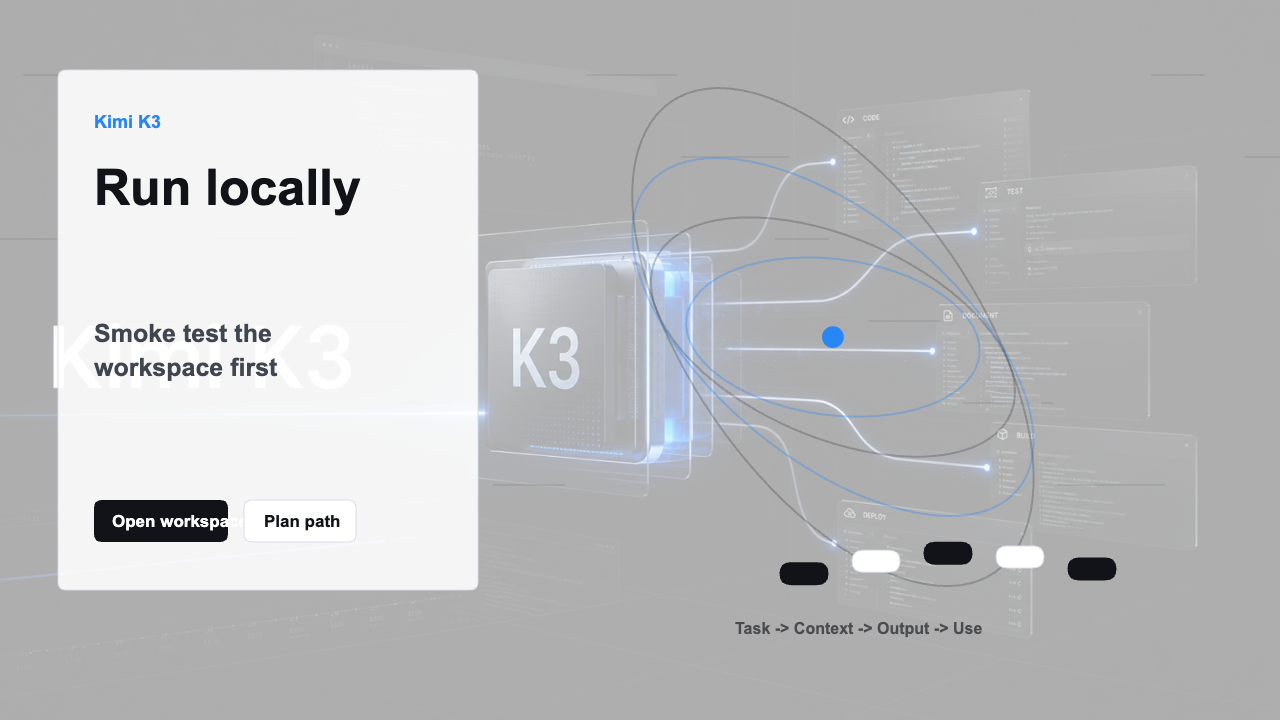
You can run a local workspace that uses Kimi-style workflows, and you can run clients that call a hosted Kimi K3 endpoint. Running the full Kimi K3 model locally is a different problem: it requires cluster-scale accelerator memory and serving infrastructure.
For most people, the practical path is to use Kimi web, Kimi Code, Kimi API, Kimi Claw, or K3Nova first. Consider self-hosting only after a real workload proves that data residency, compliance, or cost justifies the hardware.
Use these checks to separate a local client from full local model weights.
This proves local CLI access to a configured hosted model, not local weights.
kimi -m k3-256k -p "Reply only: KIMI_K3_CLIENT_READY"The server binds locally by default and keeps running until you stop it.
kimi web --no-open --port 58628This quick math shows why full local weights are a cluster problem.
python3 - <<'PY'
params = 2.8e12
for bits in (16, 8, 4):
    print(f"{bits}-bit weight floor: {params * bits / 8 / 1e12:.2f} TB")
PYUse this section to keep the next step practical before you touch accounts, files, infrastructure, or hardware.
| Check | Look for | Why it matters |
|---|---|---|
| Start narrow | Run the smallest read-only check before commands that install, move, write, or call a provider. | A small pass condition keeps the workflow reviewable. |
| Keep commands copyable | Use exact commands without shell prompts and run one step at a time. | This avoids accidental pasted characters or bundled side effects. |
| Protect accounts | Do not paste raw API keys, billing data, OAuth codes, or private files into a guide page. | Account-bound work belongs in the official product surface. |
| Record the result | Write down the model ID, path, version, output, or error message that changed the decision. | The next attempt should not have to rediscover the same state. |
| Path | Can you do it? | Best for |
|---|---|---|
| Run K3Nova locally | Yes | Workspace testing and UI workflows |
| Run Kimi Code locally | Yes | Terminal and IDE agent work with configured model access |
| Call hosted Kimi K3 from a local app | Yes | Product evaluation without hardware |
| Run full Kimi K3 weights on one workstation | No, not realistically | Use smaller models instead |
| Self-host on a cluster | Possible for capable teams | Compliance and high-scale operations |
Local browser workspace, local CLI client, local gateway, and local model weights are separate paths.
Use K3Nova or a Kimi Code client to validate the workflow before buying or renting hardware.
Run real prompts against a hosted endpoint first so hardware planning is based on a working use case.
Self-host only when policy, latency, cost at scale, or data control justifies the operational burden.
A web or CLI workspace can be local even when inference happens through a hosted provider.
Full local Kimi K3 means downloading official weights, serving them across accelerators, and managing cache, routing, and updates.
Rented GPU capacity is often the cleanest bridge between hosted testing and buying permanent infrastructure.
You can run a client or workspace locally, but not the full Kimi K3 model weights.
No. K3Nova can run locally as a workspace while model inference happens elsewhere.
Only after hosted tests prove value and your compliance or cost profile requires owning the infrastructure.