 K3Nova
Create an isolated Kimi Code home
This keeps test config, sessions, logs, and credentials away from your default setup.
export KIMI_CODE_HOME="$HOME/.config/kimi-code-agent-test"
mkdir -p "$KIMI_CODE_HOME"
kimi doctorAgent workflow
Set up a local Kimi K3 agent workflow with Kimi Code, Kimi Claw, OpenClaw, K3Nova, provider IDs, and safety checks.
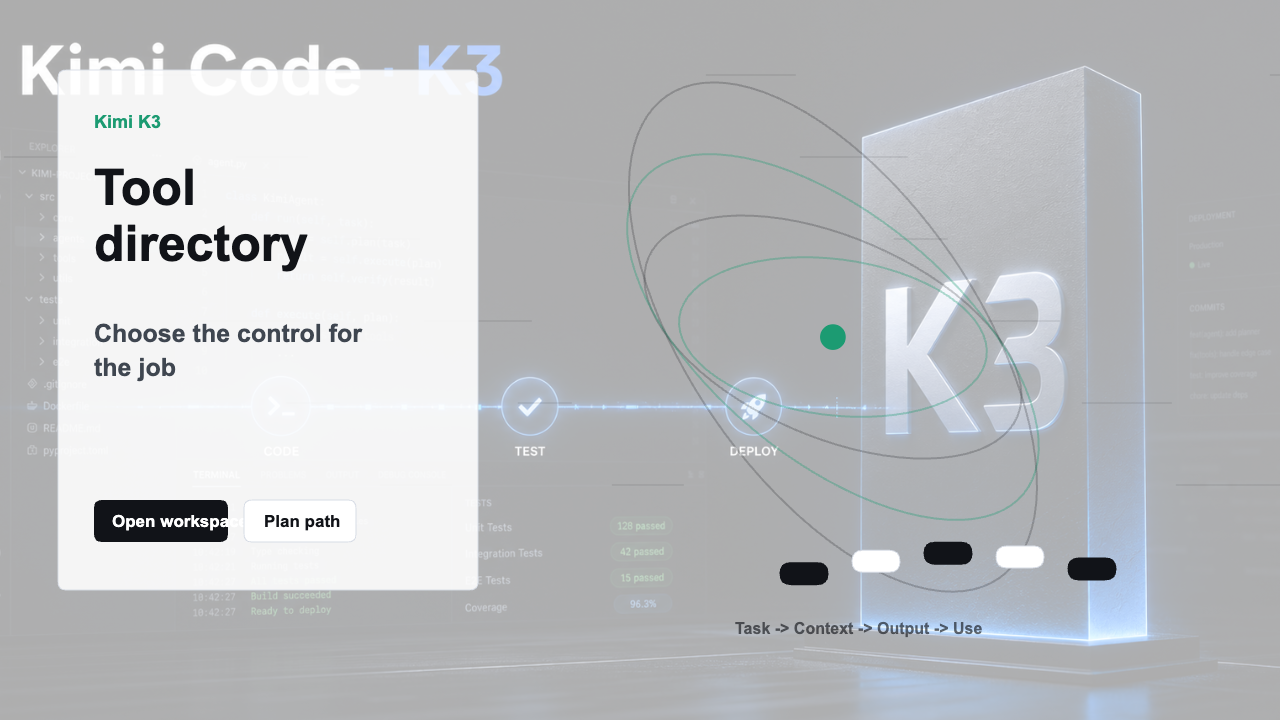
Use Kimi K3 agent locally by keeping the tool close to your machine and the credentials in a documented configuration path. The agent can run in Kimi Code, Kimi Claw/OpenClaw, or a K3Nova local workspace while Kimi K3 inference is provided through an authorized endpoint.
Start with a small task that proves the agent can read context, call the model, preserve state, and recover from an error before you let it run longer work.
Use an isolated data root when you want a clean local-agent test without disturbing your normal Kimi Code setup.
This keeps test config, sessions, logs, and credentials away from your default setup.
export KIMI_CODE_HOME="$HOME/.config/kimi-code-agent-test"
mkdir -p "$KIMI_CODE_HOME"
kimi doctorKeep the prompt small so model access and tool behavior are easy to debug.
kimi -m k3-256k -p "Read the current directory name and describe the project type in one sentence."Use this when the workflow needs a local REST, WebSocket, and browser surface.
kimi web --no-open --port 58628Unset the isolated home when the test is finished.
unset KIMI_CODE_HOMEUse this section to keep the next step practical before you touch accounts, files, infrastructure, or hardware.
| Check | Look for | Why it matters |
|---|---|---|
| Start narrow | Run the smallest read-only check before commands that install, move, write, or call a provider. | A small pass condition keeps the workflow reviewable. |
| Keep commands copyable | Use exact commands without shell prompts and run one step at a time. | This avoids accidental pasted characters or bundled side effects. |
| Protect accounts | Do not paste raw API keys, billing data, OAuth codes, or private files into a guide page. | Account-bound work belongs in the official product surface. |
| Record the result | Write down the model ID, path, version, output, or error message that changed the decision. | The next attempt should not have to rediscover the same state. |
Choose Kimi Code for coding, OpenClaw for gateway and tool-agent work, or K3Nova for web workspace testing.
Use the exact model ID and base URL expected by that surface. For OpenClaw, check the provider/model list. For Kimi Code, use the Kimi Code model docs.
Ask for a short repo summary, a one-file review, or a small planning memo before granting broader tool access.
Save whether the model answered, tools worked, context persisted, and no credentials appeared in output.
| Check | What to do | Pass condition |
|---|---|---|
| Model access | Ask a one-sentence question | The selected model answers without fallback confusion |
| Tool access | Read a harmless local file or fixture | The agent returns the expected detail |
| State | Send a follow-up in the same session | It remembers the task boundary |
| Safety | Search output for keys or private paths | No secret or irrelevant private data appears |
Even local agents should run with clear permissions, a small first task, and a human review point.
Do not put provider keys in prompts, public files, or screenshots. Use config, local secrets, or server-side environment storage.
K3Nova local pages can test the workspace, pricing boundary, docs, and guides before production model calls are enabled.
Yes, depending on the surface and permissions you configure.
No. A local agent can call a hosted Kimi K3 endpoint.
Check provider/model ID and credential path before changing the task prompt.