 K3Nova
Run a one-shot Kimi Code agent task
This checks local CLI, model access, and non-interactive output.
kimi -m k3-256k -p "Summarize this repository in five bullet points."Agent setup
Use Kimi K3 from a local workspace, Kimi Code, Kimi Claw, OpenClaw, or K3Nova while keeping model inference and credentials clear.
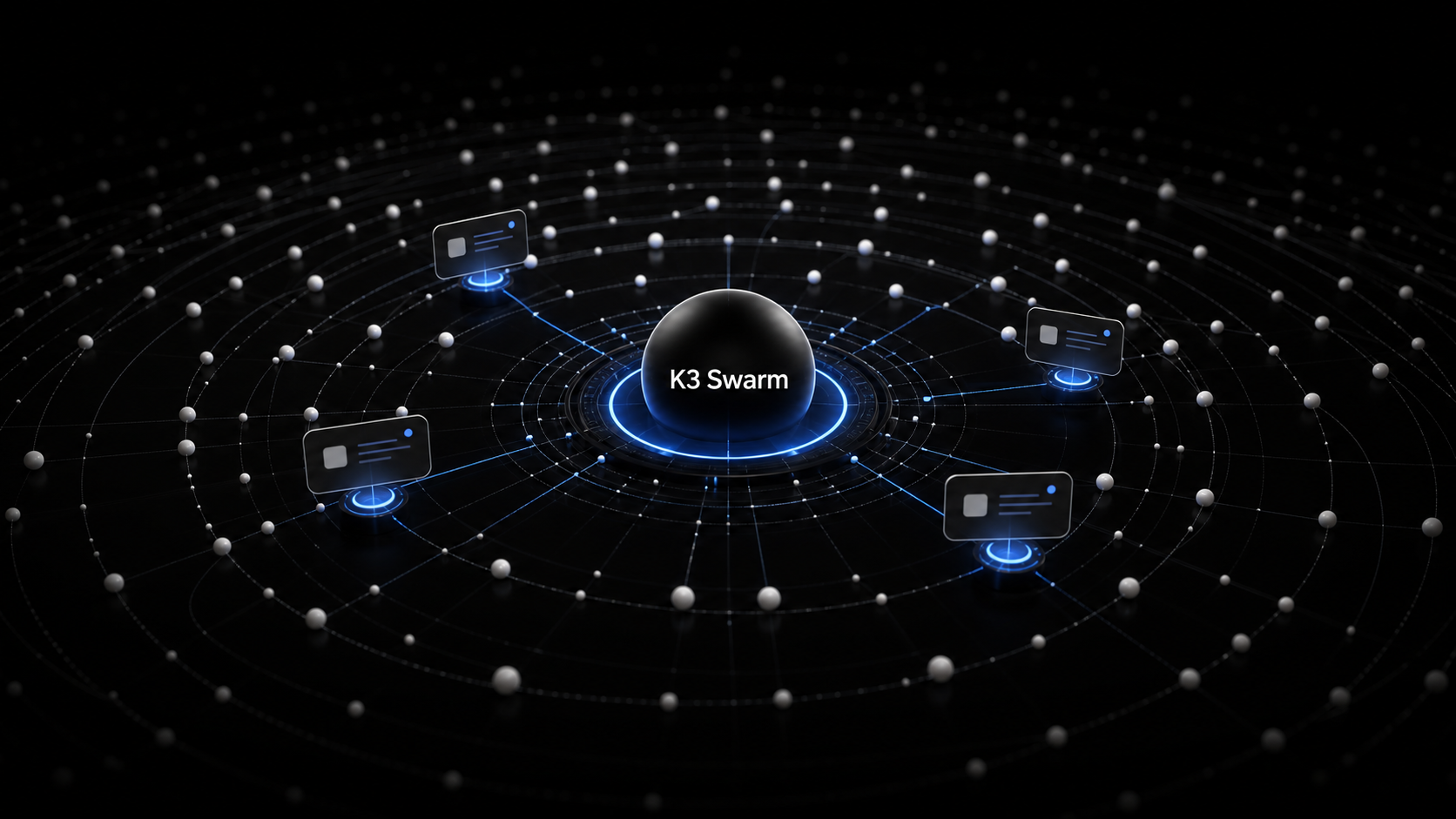
A local Kimi K3 agent usually means a local tool or workspace controlling tasks while Kimi K3 runs through an authorized endpoint. That can be Kimi Code, Kimi Claw/OpenClaw, K3Nova, or another client configured with the right model ID.
Do not confuse a local agent with full local weights. The agent can be local even when inference runs through Kimi's hosted API or another approved provider.
Start with a small local task and a known model ID before adding tools or a gateway.
This checks local CLI, model access, and non-interactive output.
kimi -m k3-256k -p "Summarize this repository in five bullet points."Use this when you want a browser UI backed by the local CLI server.
kimi web --no-open --port 58628Use the exact provider/model string that your OpenClaw setup exposes.
openclaw models list
openclaw models list --json
Run this from an OpenClaw checkout with provider credentials already configured.
OPENCLAW_LIVE_GATEWAY_MODELS="moonshot/kimi-k3" pnpm test:live src/gateway/gateway-models.profiles.live.test.tsUse this section to keep the next step practical before you touch accounts, files, infrastructure, or hardware.
| Check | Look for | Why it matters |
|---|---|---|
| Start narrow | Run the smallest read-only check before commands that install, move, write, or call a provider. | A small pass condition keeps the workflow reviewable. |
| Keep commands copyable | Use exact commands without shell prompts and run one step at a time. | This avoids accidental pasted characters or bundled side effects. |
| Protect accounts | Do not paste raw API keys, billing data, OAuth codes, or private files into a guide page. | Account-bound work belongs in the official product surface. |
| Record the result | Write down the model ID, path, version, output, or error message that changed the decision. | The next attempt should not have to rediscover the same state. |
Use Kimi Code for terminal and IDE coding work, Kimi Claw or OpenClaw for deployed assistants, and K3Nova for workspace evaluation.
Use the model ID required by the surface, such as kimi-k3 in API contexts or k3 in Kimi Code.
Keep provider keys in documented config or server-side secrets, not in prompts or public files.
Ask the agent to inspect a small file, summarize a document, or produce a short plan before giving it a larger job.
| Surface | Local part | Kimi K3 part |
|---|---|---|
| Kimi Code | Terminal or IDE agent session | Configured Kimi Code model access |
| Kimi Claw | OpenClaw instance or linked assistant | Kimi model configuration |
| OpenClaw | Gateway, agent session, tools, and tests | Provider/model such as moonshot/kimi-k3 when configured |
| K3Nova | Local web workspace and server | Server-side provider access when enabled |
Official docs position Kimi Agent as an end-to-end assistant powered by Kimi K3 with tools for websites, documents, data, and more.
Kimi Claw can deploy or link an OpenClaw instance, and OpenClaw docs show how model smoke tests treat provider IDs.
K3Nova can serve as a local web workspace for testing prompts, pages, and access boundaries before production deployment.
No. The local agent can call a hosted model endpoint.
Use the exact ID required by the tool: Kimi Code and API contexts use different naming.
Use a small, reversible task that proves the tool, model, and credential path are configured correctly.